🤖 ElkQR AI Assistant Integration (MCP) — Create, Edit & Track QR Codes by Chat
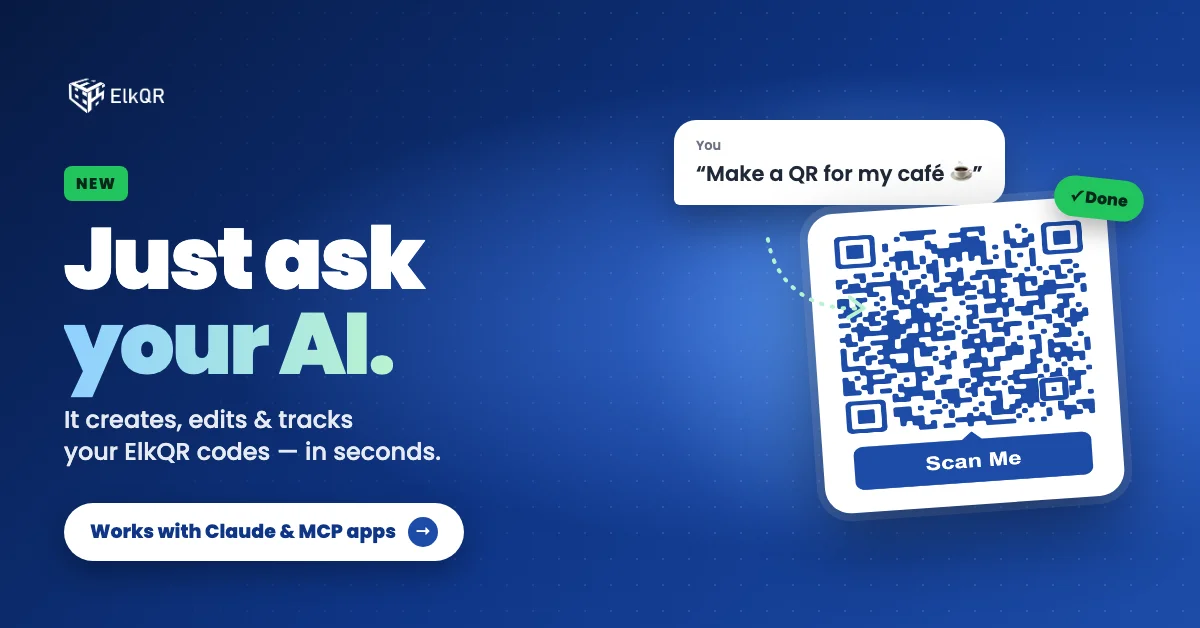
You can now connect ElkQR to AI assistants like Claude Code. Just tell your assistant what you need — "make a WiFi QR for my café" or "how many scans did my coupon get this week?" — and it creates, edits, and checks your QR codes for you, right inside your ElkQR workspace.
What's included:
✅ Create QR codes by chat — Website, Static, vCard Plus, WiFi, Multi-Link, Coupon and App QR codes. Describe what you want in plain words, and the QR code is created in your workspace with the image shown right in the chat.
✅ Edit without reprinting — Change links, discounts, WiFi passwords or contact details by just asking. Your printed QR codes keep working — only what they show changes.
✅ Design it your way — Ask for your brand colours, a shape, a pattern or a "Scan Me" frame. If a colour or style might be hard to scan, you'll be told before you print.
✅ Scan stats in seconds — Total and unique scans, scans per day, top countries, cities and devices. Compare several QR codes in one question.
✅ Find any QR code fast — Search by name, link, email, WiFi network, or coupon code.
✅ Safe by design — Each connection works with one workspace, uses your own API key, and can never delete your QR codes.
Existing QR codes are not affected — nothing changes unless you connect an assistant.
Try it: Workspace Settings → API → Create API Key (Read, Write, Download) → connect it to your AI assistant → ask it to make your first QR code.
📖 Setup guide, documentation, and example prompts: https://www.elkqr.com/kb/all-features/ai-assistants-mcp
 Powered by ProductLift