📁 File Manager — Personal Library
Upload a file once and use it in every workspace you own.
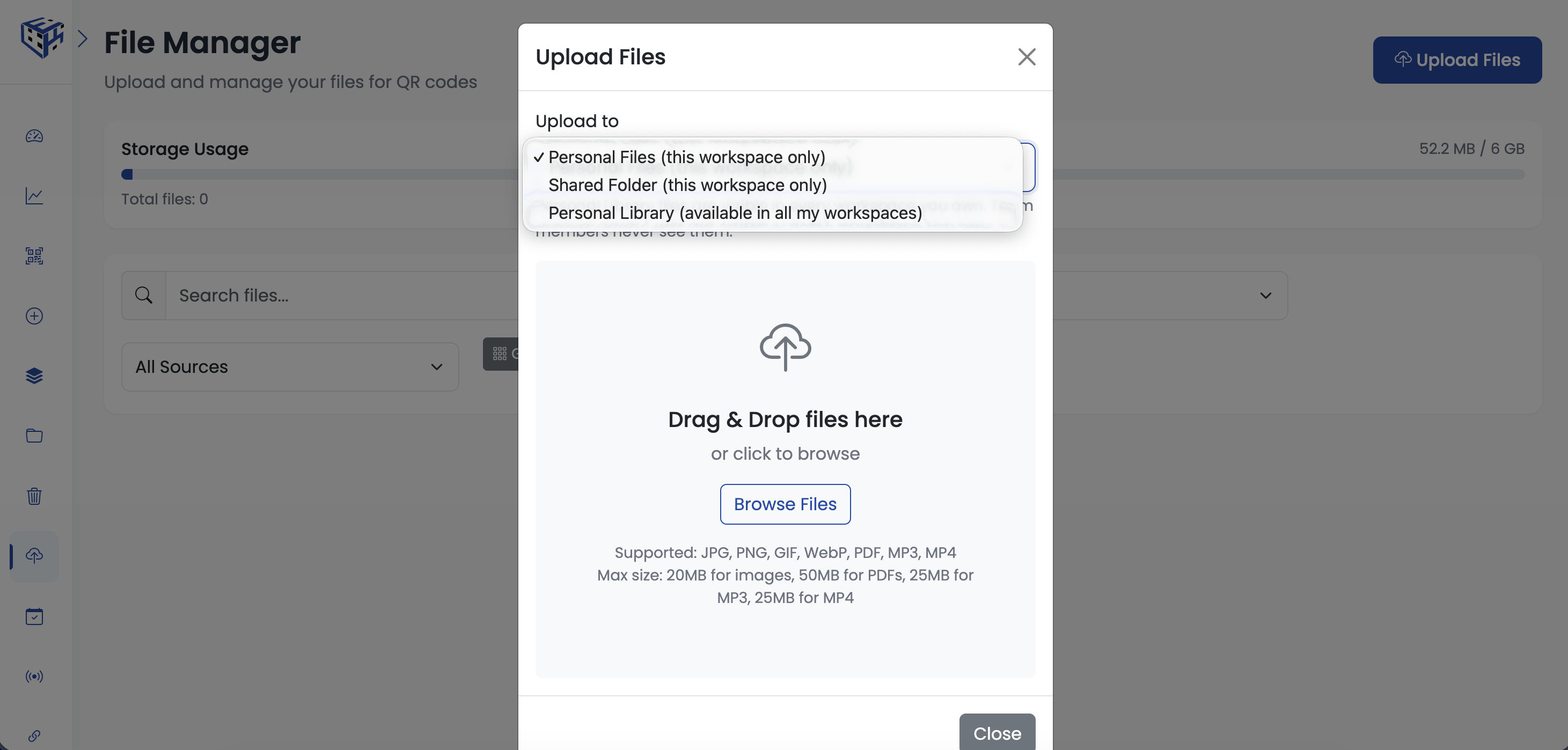
Previously, if you managed multiple workspaces, you had to re-upload the same logo, brochure, or product photo into each one. Now you can save it once in your Personal Library and pick it when creating QR codes in any of your workspaces.
What you'll see:
- New "Personal Library" option in the upload destination dropdown
- New Source filter in the File Manager so you can view workspace files or Personal Library files separately
- Small "Personal" badge on cards that come from your Personal Library
Existing workspace files are not affected — Personal Library is opt-in per upload.
Try it: File Manager → Upload Files → pick "Personal Library (available in all my workspaces)" in the destination dropdown → upload → open a different workspace's File Manager and it's there.
 Powered by ProductLift