📄 PDF QR — Lead Capture, Brand Colours & Custom Forms
Major upgrade to PDF QR. You can now capture leads directly from your PDFs, style the landing page in your brand colours, and tailor the form to fit any use case — from real-estate brochures to gated whitepapers to product catalogues.
What's included:
✅ Lead capture before viewing — Form opens before the PDF unlocks. Visitor enters name + email + optional phone + message. You get a notification email, and the lead lands in your dashboard.
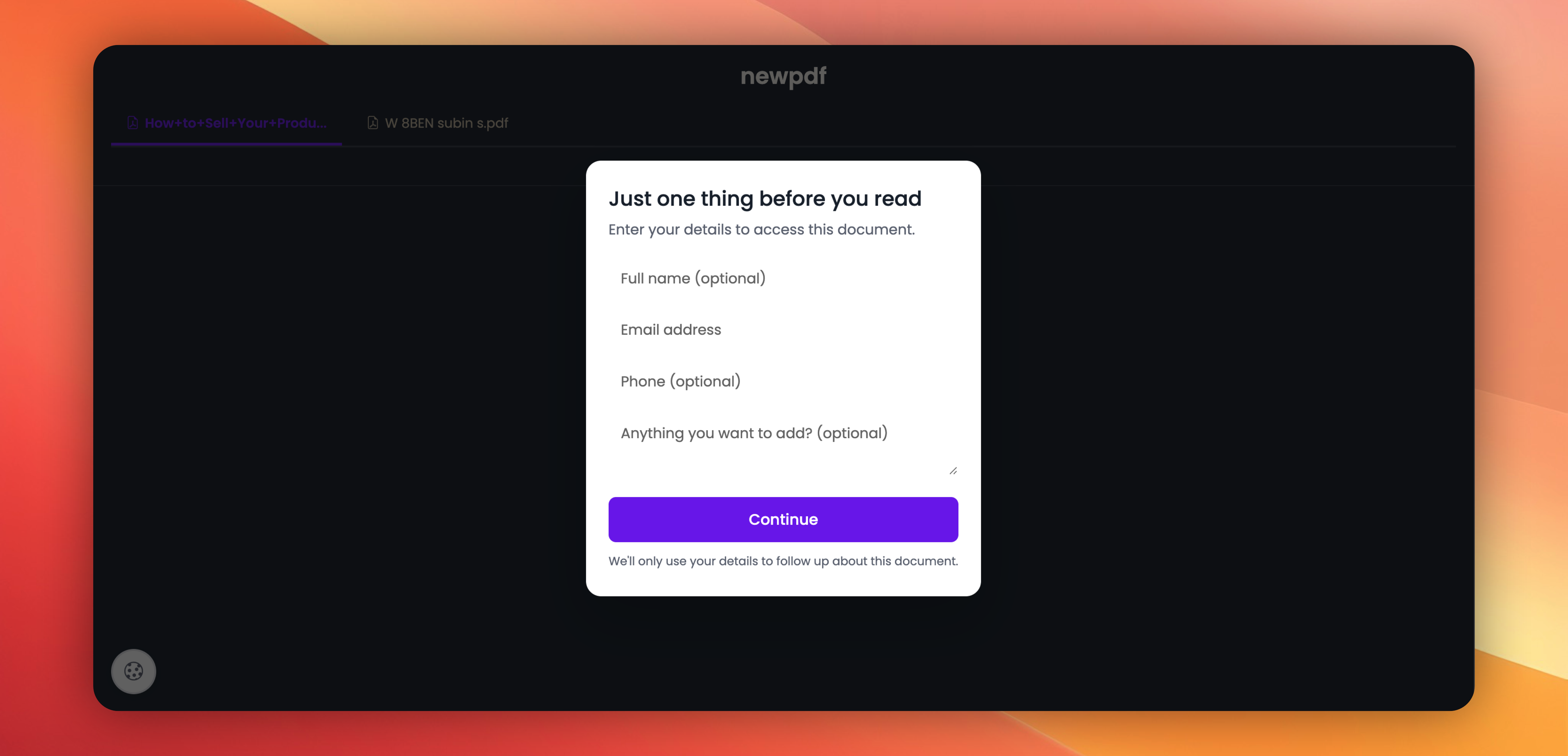
✅ Email gate before download — Viewing is free; Download button only works after the visitor enters their email.
✅ Customisable form — Edit the title, description, submit button text, and privacy text. Show or hide phone and message fields.
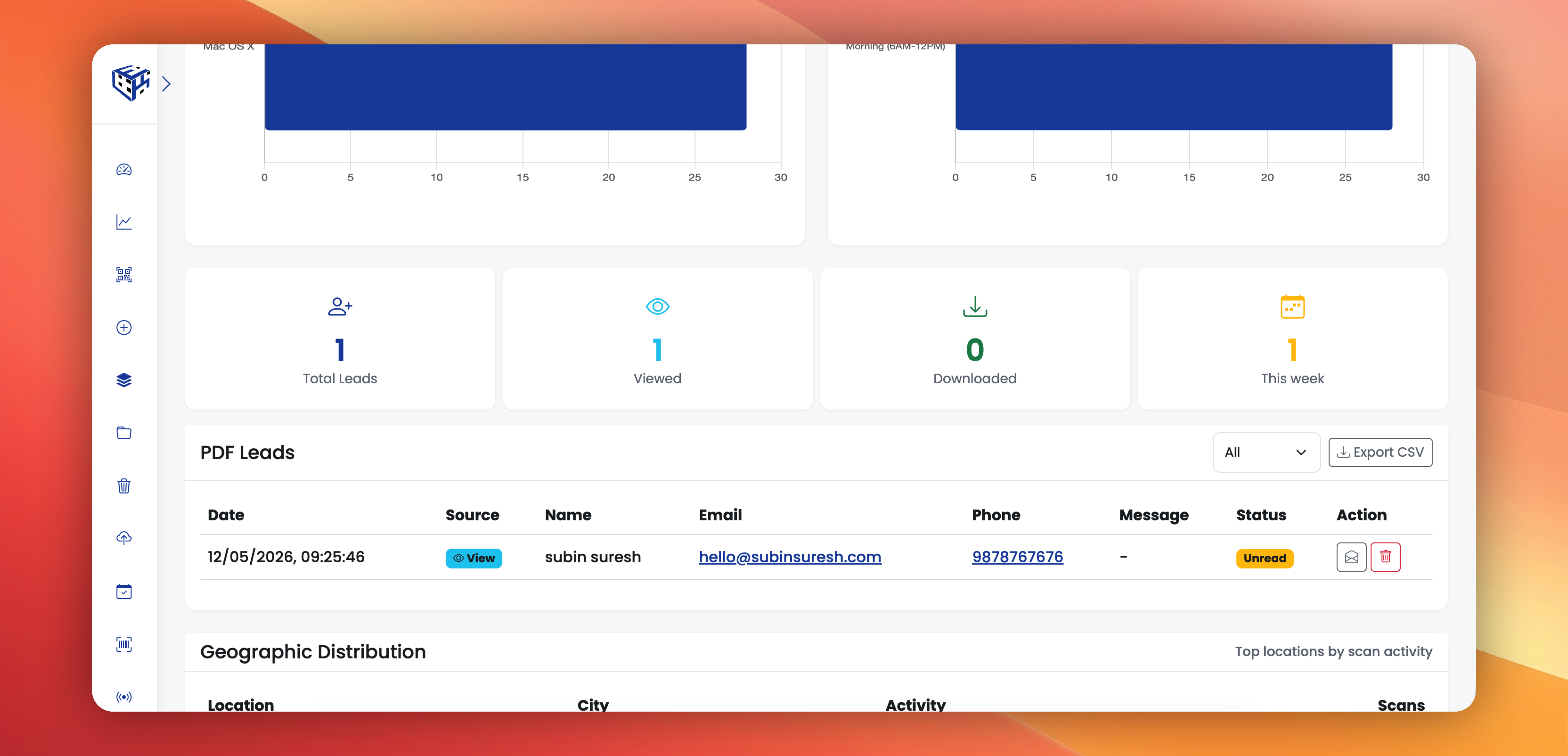
✅ Leads dashboard — Total / Viewed / Downloaded / This Week stats, filter, CSV export, mark read/unread.
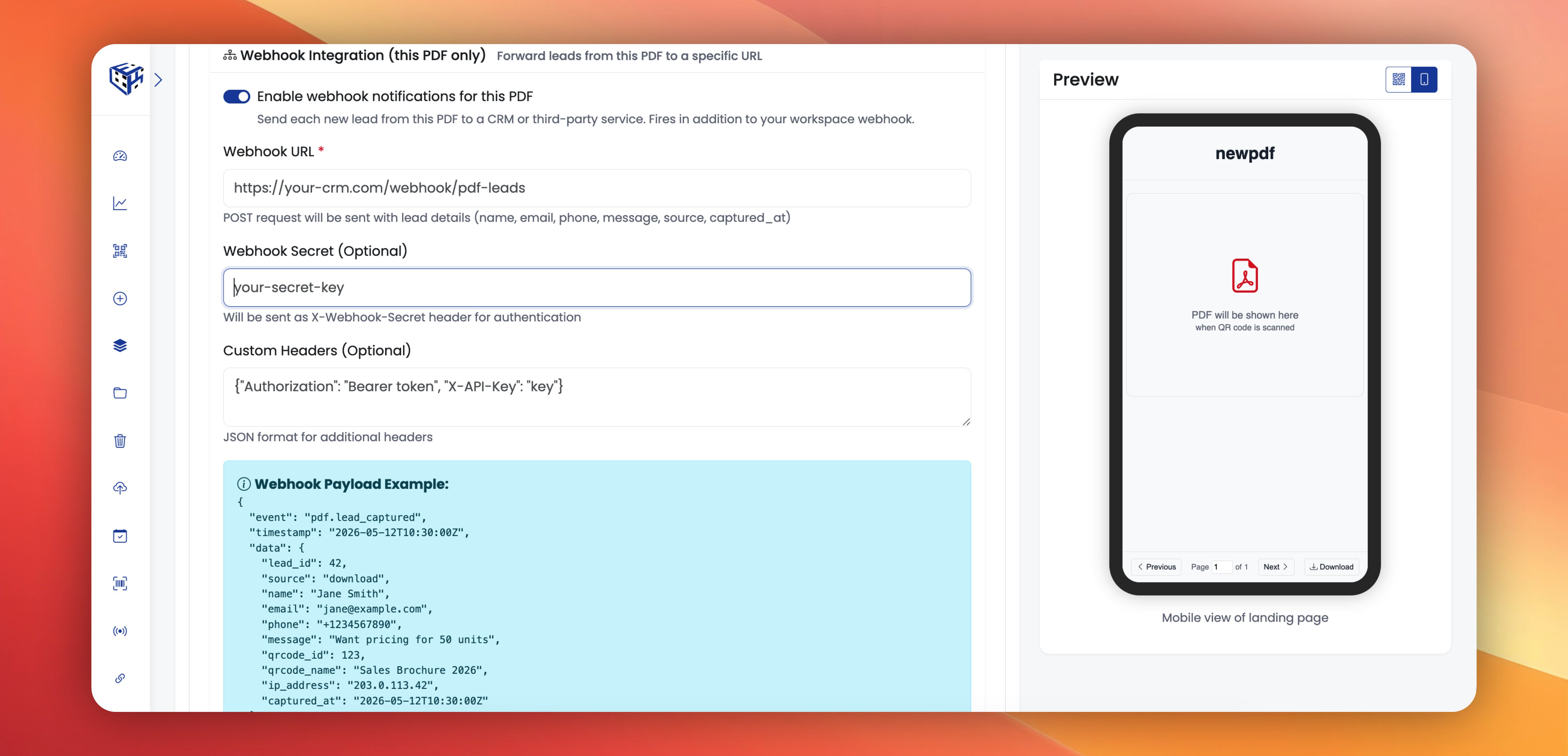
✅ Send leads to your CRM — Flow every PDF lead to your CRM, Zapier, HubSpot, or any tool that accepts a webhook. Set one URL for the workspace, or a different URL per PDF.
✅ Brand colours + 12 fonts — Pick an accent colour, a background colour, and a font.
Existing PDF QR codes are not affected — these only kick in after you turn them on.
Try it: Create/Edit any PDF QR → scroll past Upload PDFs → toggle either gate, customise the form, pick your brand colours → save.