🛒 WhatsApp Ordering on Menu QR — Turn Your Menu Into an Order Form
Customers can now add menu items to a cart and send the order directly to your WhatsApp.
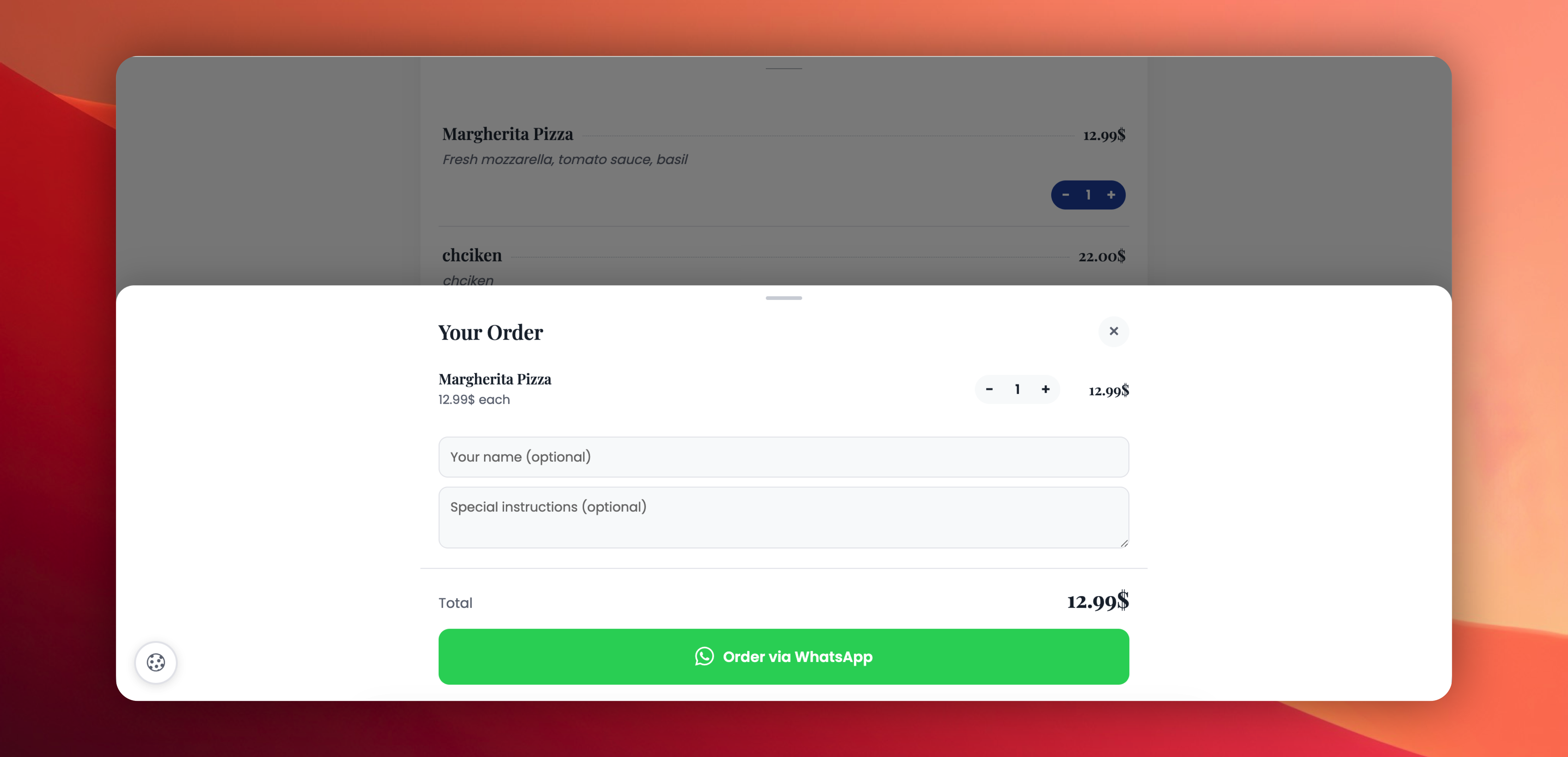
No ordering platform, no sign-ups, no commissions — just a cart, a WhatsApp link, and your phone.
What's included:
✅ Add-to-cart button on every menu item
✅ Floating cart button with item-count badge
✅ Slide-up cart drawer — quantity steppers, customer name, special instructions, total
✅ One-tap "Order via WhatsApp" — opens WhatsApp with a pre-formatted order message
✅ Cart stays saved if the customer refreshes the page or closes the tab
✅ Off by default — your existing Menu QR codes are not affected
How it works:
Customer scans your Menu QR → adds items → taps "Order via WhatsApp" → WhatsApp opens with the full order ready to send to your number.
Requirements:
A WhatsApp number must be set in Social Media Links for the Menu QR.
Try it: Edit any Menu QR → tick "Enable WhatsApp ordering" → save.
 Powered by ProductLift